Support
Help with setup and dictation.
System requirements
Requires macOS 26+ and Apple Silicon (M1 or later)
Common questions
- The hotkey does nothing
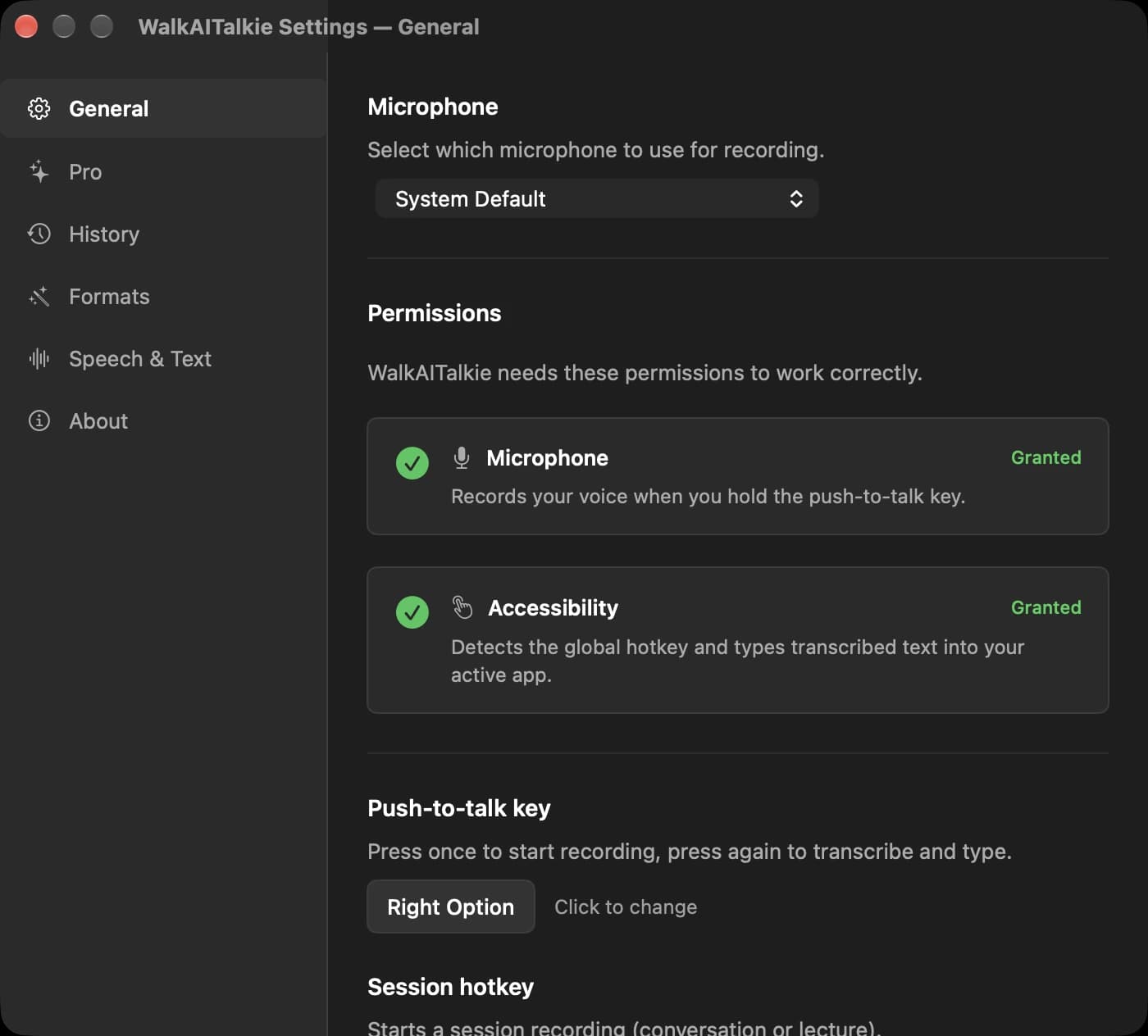
- For the direct app, enable Microphone and Accessibility in System Settings → Privacy & Security, then restart WalkAITalkie. The App Store app needs microphone access and uses the clipboard for output.
- Where does my text go?
- Into whichever text field has the cursor. In the Mac App Store version the text is copied to your clipboard instead. Press ⌘V to paste it.
- Transcription is slow the first time
- The speech and language models are compiled once on first use. Later runs start in a few seconds.
- How do I get updates?
- The version downloaded from walkaitalkie.com updates itself. App Store copies update through the App Store.
Contact
Write to office@gotzendorfer.at. I answer in English or German, usually within two working days.
office@gotzendorfer.at